
Find your parked car without hunting the whole lot
Lost in a giant parking garage or an unfamiliar street? Leave a Tracker Mist in your car and Apple's Find My app shows you where it's parked — no extra app, no subscription, no "which level was I on?"
 Leave one in the car
For the parking lot where every level looks the same
The "where did I park?" walk costs you ten minutes and a lot of embarrassment.
A map pin when you walk away
When you leave the car, your iPhone records where the Mist was last detected — a map pin you can navigate back to.
Ask Siri while you shop
"Hey Siri, where's my car?" points you to the last-known location without stopping to open an app.
Fits any car
Leave one in the console, the glovebox, or slip it under the seat — it works in any car you drive.
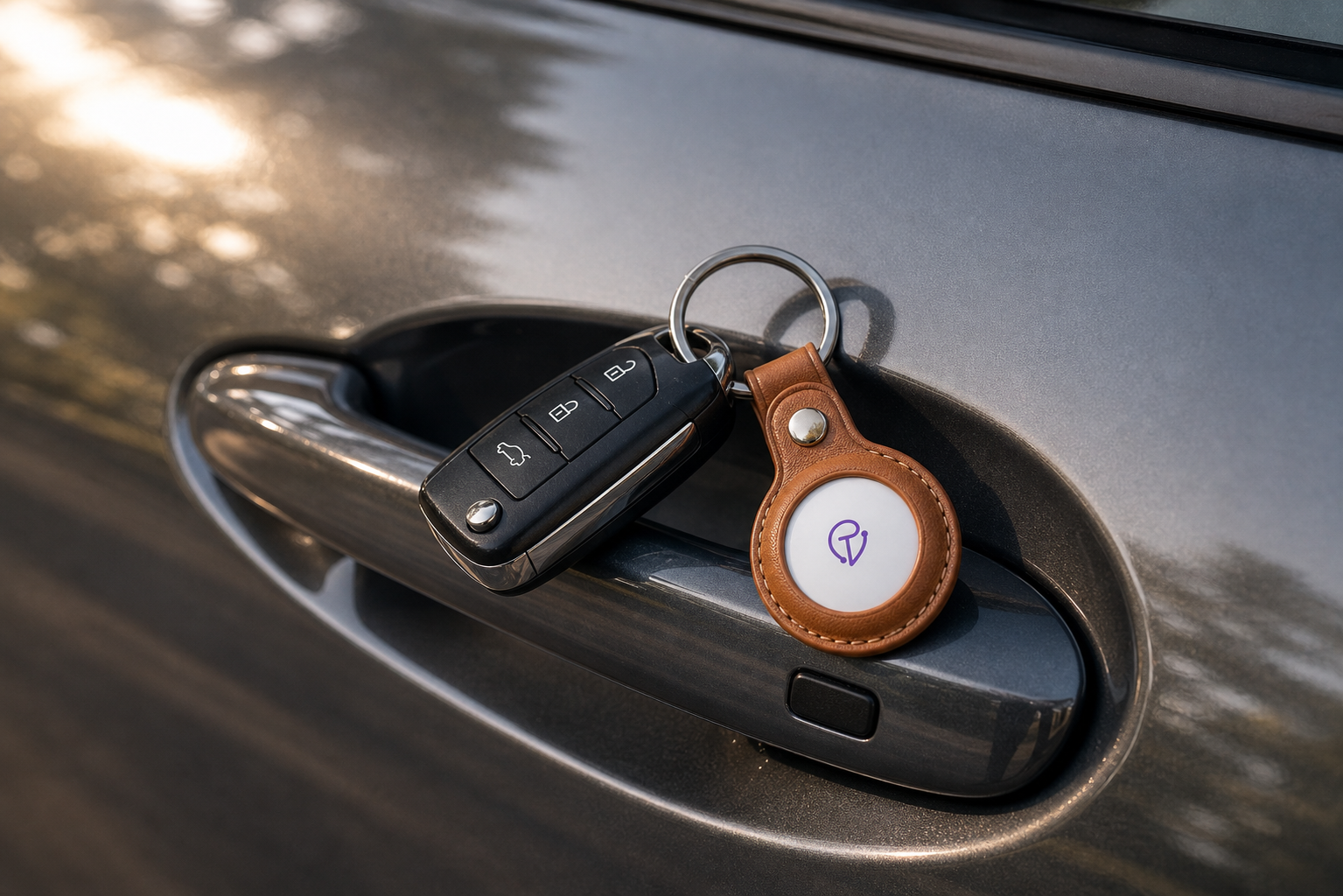
Your parking spot, saved automatically
Keep a Mist in the glovebox, center console, or under a seat. When you walk far enough away that your iPhone loses the Bluetooth signal, Find My records the last location — your parking spot, automatically saved.
- Last seen — the parking spot recorded the moment you walked away.
- Ask Siri — "Where's my car?" without opening the app.
- Works in any car — no installation, no OBD port needed.
One setup, lasts forever
Pair once
Hold the Mist near your iPhone, tap Connect in Find My, and name it "My Car." About 30 seconds.
Leave it in the car
Drop it in the glovebox, console, or under a seat — anywhere. It doesn't need line-of-sight.
Find the car
Open Find My or ask Siri — your car's last-seen location is on the map every time you check.
"I drive a rental at conferences and always forget which lot I used. Now I ask Siri before I even leave the convention center. Eliminated probably an hour of combined confusion over the last year."
This finds your parked car — not a stolen one
Tracker Mist shows the last-known location of your car using Bluetooth and Apple's Find My network. When you park and walk away, Find My records the location your iPhone last saw the Mist — your parking spot.
It's not a live GPS vehicle tracker and won't update while you're driving. It's iPhone-only and has no alarm or cellular fallback. For "where did I park?" it's perfect; for stolen-car recovery you'd want a dedicated vehicle GPS tracker.
Questions, answered honestly
How do I use it to find where I parked?
Leave the Tracker Mist in your car. When you walk far enough away to break the Bluetooth connection, Find My records that location as your car's last-seen spot. Open Find My or ask Siri to navigate back to it.
Where in the car should I put it?
The glovebox, center console, or under a seat all work. It doesn't need line-of-sight.
Will it help me recover a stolen car?
Potentially, if the car is in an area with Apple devices nearby. But it's a Bluetooth tag, not a dedicated anti-theft GPS tracker. For reliable stolen-car recovery, use a purpose-built vehicle GPS tracker.
Does it show where the car is while I'm driving?
No. It shows the last-known stationary location — your parking spot.
Does it need a subscription?
No. It uses Apple's free Find My network with no monthly fee. An iPhone is required.
Your parking spot, saved automatically.
Free shipping · No subscription · 30-day money-back guarantee.
Shop Tracker Mist