
Key takeaways
- Apple opened its Find My network to certified third-party accessories — so non-Apple trackers can appear in the same app as your iPhone and AirPods.
- These trackers send a Bluetooth signal; nearby Apple devices relay an encrypted location back to you. There's no built-in GPS.
- You get a map location, Play Sound, Siri, and Lost Mode — with no separate app and no subscription.
- It's iPhone/iPad/Mac only. Android phones use Google's separate Find Hub network.
What "third-party Find My" actually means
For years, the Find My app only located Apple's own gear. Then Apple launched the Find My Network accessory program, which lets certified third-party products — item trackers, headphones, e-bikes — appear in Find My alongside your Apple devices.
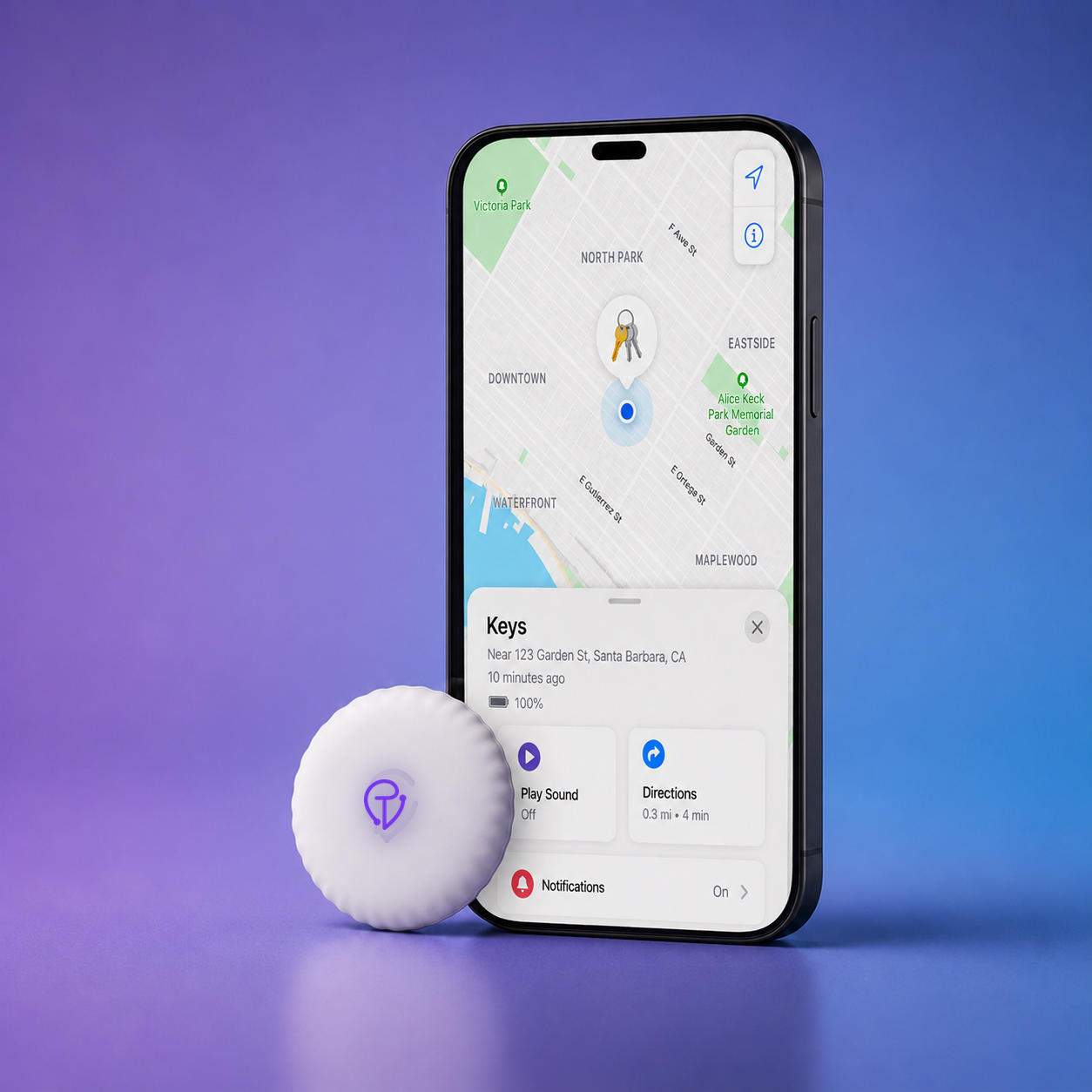
A tracker like Tracker Mist is one of those certified accessories. You don't install a separate app to use it; it lives in the Items tab of Find My, next to your iPhone, AirPods, and Apple Watch.
It's Bluetooth, not GPS
This is the part most people get wrong. A Find My tracker does not contain GPS and it doesn't have its own cellular connection. Instead, it broadcasts a secure, low-energy Bluetooth signal — a short-range "I'm here" beacon.
When your own iPhone is within Bluetooth range (roughly 30–50 feet, less through walls), it hears the tracker directly and shows you a precise nearby location. Beyond that range, the tracker can't reach you on its own. That's where the network comes in.
If you see "GPS" in tracker marketing, read the fine print. Most Find My and AirTag-style trackers are Bluetooth + crowd network, not live GPS. They're excellent at "where did I leave it?" and weaker at "follow this in real time."
The crowdsourced network does the heavy lifting
Apple's Find My network is made of roughly a billion Apple devices worldwide. When any of them passes near your lost item, three things happen automatically:
- Your tracker beacons. It quietly broadcasts its encrypted Bluetooth signal — always on, years per battery.
- A nearby Apple device hears it. Could be a stranger's iPhone walking past. It notes the location and sends it to Apple's servers, encrypted.
- You get the update. Only you can decrypt and see the location in Find My. The passer-by never knows their phone helped, and never sees your item.
The whole relay is anonymous and end-to-end encrypted. Apple itself can't see your item's location, and the helping devices can't either.
What you can do in the app
- See it on a map — a precise spot when nearby, a last-seen location when far.
- Play Sound — ring the tracker to find it under cushions or in a bag.
- Ask Siri — "Hey Siri, where are my keys?"
- Lost Mode — mark an item lost so you're notified when the network spots it.
Privacy and anti-stalking, built in
Because the same technology could be misused, Apple bakes in safeguards: location data is anonymous and encrypted, and unwanted-tracking alerts warn an iPhone user if an unknown Find My tracker seems to be travelling with them. Both Apple and Google support these cross-platform alerts.
Honest limitations
A Find My tracker is only as fresh as the last Apple device that walked past it. In a crowded city you'll get frequent updates; in an empty field or a sealed cargo hold, locations can lag. And it's an Apple-only system — Android users rely on Google's separate Find Hub network instead.
Third-party Find My trackers give you Apple's map, sound, and global network for everyday lost-item problems — no GPS, no subscription, no extra app. Want to try it? Setting one up takes about 30 seconds.