
Key takeaways
- Bluetooth tracking uses Bluetooth Low Energy (BLE)—a tiny "I'm here" beacon, not GPS and not cellular.
- Trackers broadcast rotating, encrypted identifiers so they can't be trivially followed by strangers.
- A crowdsourced network of other phones relays an encrypted last-seen location when the item is out of your range.
- Apple Find My and Google Find Hub are the two big networks; UWB adds close-range precision on supported devices.
What BLE actually is
Bluetooth Low Energy is a radio standard designed to sip power. A tracker doesn't hold an open connection—it periodically advertises a small packet that says, in effect, "I exist, here's my secure ID." That's why a coin cell can last a year or more.
Range is short by design—roughly 30–50 feet in the open, less through walls and bags. That's plenty for "it's somewhere in this room," and it's why the network (below) matters for anything farther.
Secure, rotating identifiers
If a tracker shouted the same fixed ID forever, anyone could log it and follow you. Modern trackers instead broadcast a cryptographically rotating identifier that only you (and your account) can resolve back to a real location. The relaying phones never learn what the item is or who owns it.
Rotating IDs plus end-to-end encryption are what make a billion-device finding network safe to participate in. Your phone helps locate strangers' items without you—or them—ever seeing anything.

Finding it when it's nearby
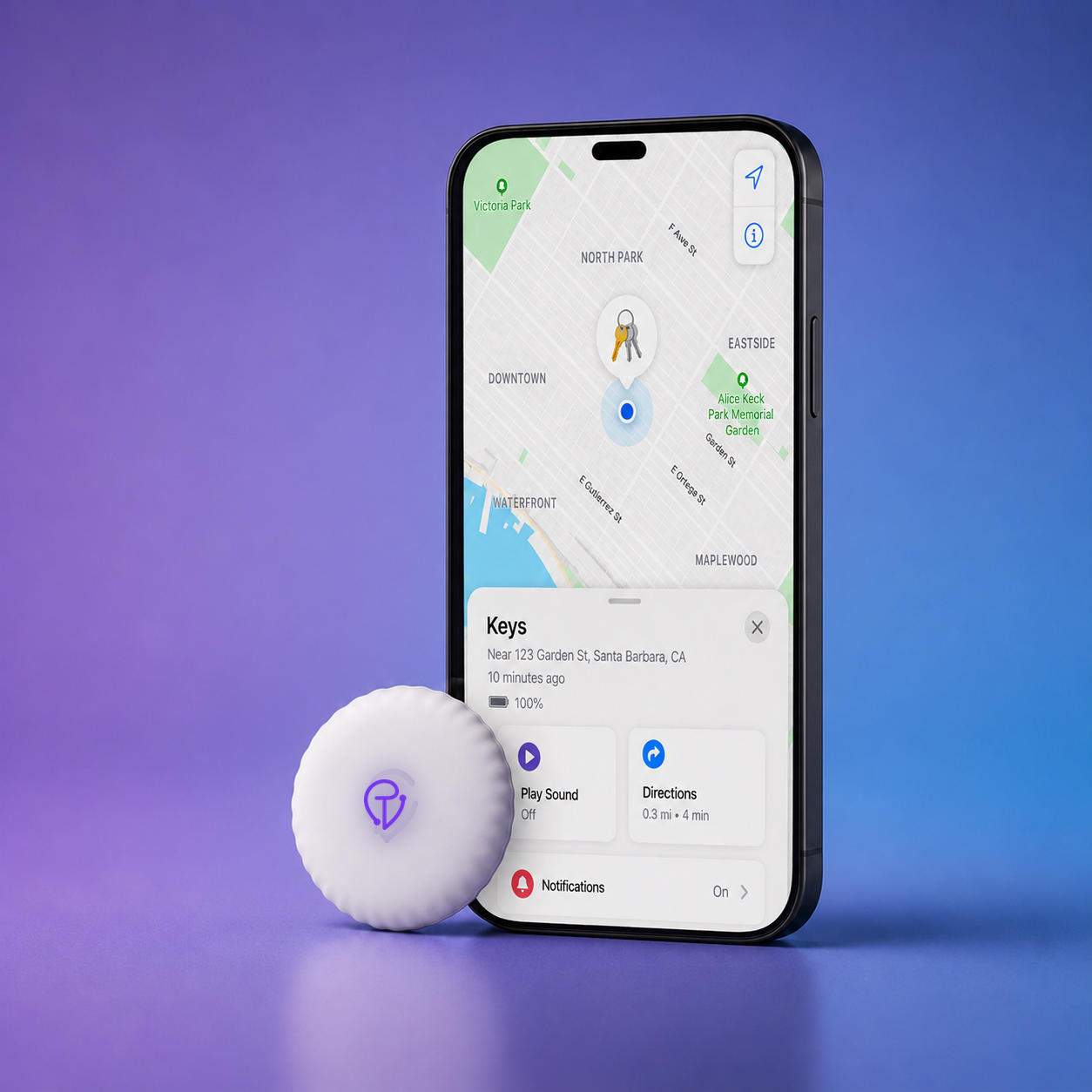
When the tracker is within Bluetooth range of your phone, your phone hears the beacon directly. You get a precise nearby location and can Play Sound to ring it out of the couch. No network needed for this part.
The crowdsourced finding network
Out of your range, the tracker relies on everyone else's phones. Here's the relay:
- The tag beacons its rotating, encrypted ID continuously.
- A passing phone hears it and uploads an encrypted location to the platform's servers—anonymously, without the owner of that phone doing anything.
- Only you can decrypt it. The last-seen location appears in your app; nobody else can read it, not even the platform.

This is why a tracker's freshness depends on foot traffic: frequent updates in a busy city, sparse updates in an empty area.
Apple Find My vs Google Find Hub
| Apple Find My | Google Find Hub | |
|---|---|---|
| Works with | iPhone, iPad, Mac | Android phones |
| Network | ~1 billion Apple devices | Billions of Android devices |
| App | Built-in Find My | Find Hub app |
| Encryption | End-to-end | End-to-end |
| Unknown-tracker alerts | iPhone + Android | Android + iPhone |
They're separate networks. A Find My tracker like Tracker Mist is located by Apple devices; a Find Hub tracker is located by Android devices. The cross-platform cooperation is mainly in safety alerts, not in finding.
What UWB (Precision Finding) adds
Ultra-Wideband is a separate radio some trackers and phones include. It measures distance and direction precisely, so the app can show an on-screen arrow guiding you the final few feet—"3 ft, to your left." It only works when both the tag and the phone have UWB.
For most people, Play Sound plus the map finds things just fine. UWB is a nice-to-have for pinpointing the last few feet. Tracker Mist skips UWB to keep the price down—a deliberate trade.

Shared access & family items
Both platforms now let you share a tracker with other people—handy for a family suitcase, a shared car, or a pair of keys. Everyone on the share can see the item's location without it triggering an unknown-tracker alert for them.
Anti-stalking alerts, explained
Because a small hidden tracker could be misused, the platforms detect when an unknown tracker is travelling with you over time and warn you—on both iPhone and Android. You can then make it play a sound to find it and see instructions to disable it. It's a core part of how the category is designed today.
Bluetooth tracking is a beacon + a crowd of phones + strong encryption. It's superb for everyday lost items and honest about its limits. See how to choose one →