
Car key tracker that ends the morning hunt
Slip a Tracker Mist onto your car key ring and the "where are my keys?" scramble is over. Ring them from your iPhone, see them on the Apple Find My map, or just ask Siri — no extra app, no subscription.
 Rides on the key ring
For the keys that vanish on the way out the door
Ring them from your phone
Tap Play Sound and your keys chirp at ~60 dB — loud enough to find them under a jacket, in the couch, or on the wrong hook.
Just ask Siri
"Hey Siri, where are my car keys?" points you to their last-seen location — hands-free while you grab your coffee.
Fits AirTag key fobs
It's the same coin shape as the trackers everyone copies, so it drops into AirTag-compatible key fobs and loops you may already own.
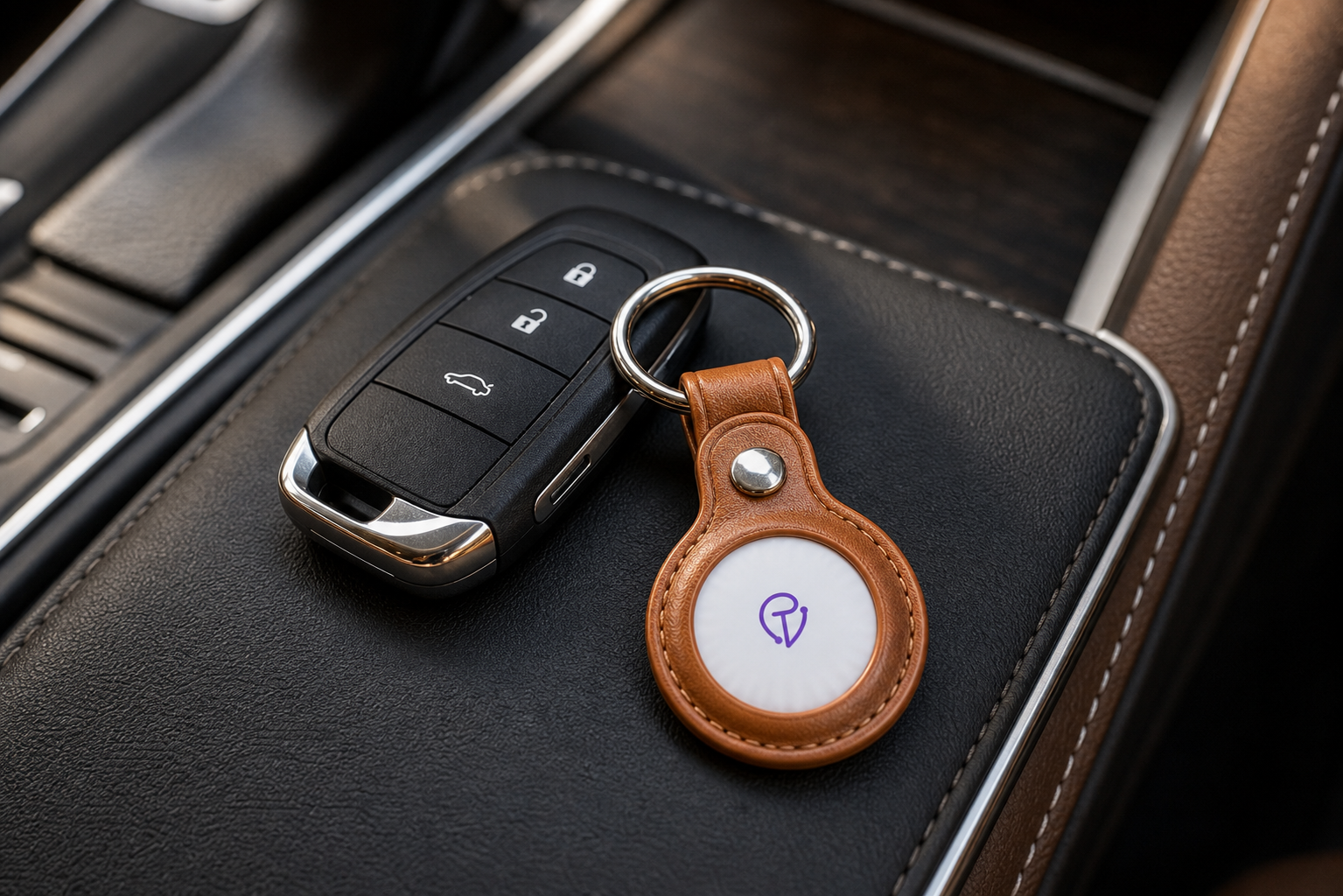
Your keys, on the Find My map
When your keys are close, your iPhone hears the Mist over Bluetooth and shows them within a few feet. Left them at the gym or a friend's place? The Find My network updates their last-seen spot for you.
- Play Sound — a loud chirp until you walk to them.
- Last seen — the map remembers where you set them down.
- Ask Siri — "Hey Siri, where are my keys?"
On your key ring in under a minute
Pair once
Hold the Mist near your unlocked iPhone, tap Connect in Find My, name it "Car keys." No app install.
Clip it on
Use the included leather fob or any AirTag-compatible key holder and add it to your ring.
Find them fast
Open Find My, tap your keys, hit Play Sound or follow the map — or ask Siri to do it.
"My keys used to disappear between the door and the car every single morning. Now I just say 'Hey Siri, where are my keys?' and walk straight to them."
What a key tracker actually finds
Tracker Mist finds your keys, not your car. Up close, your iPhone pinpoints them over Bluetooth and the loud chirp does the rest; out of range, the Apple Find My network shows their last-seen location. It is not a live GPS car tracker.
It's iPhone-only and has no Ultra-Wideband Precision Finding arrow like AirTag. For the daily "I can't find my keys" problem, the sound, the map, and Siri are all you need.
Questions, answered honestly
How do I find my car keys with it?
Open the Find My app, select your keys, and tap Play Sound to ring them, or use the map to see their last location. You can also ask Siri, "Where are my car keys?"
Does it fit on a car key ring or fob?
Yes. Use the included leather fob, or drop it into any AirTag-compatible key holder or loop — it's the same coin shape, so it rides right alongside your car key.
Does it track my car?
No. It tracks your keys, not the vehicle. It shows where your keys are via Bluetooth and the Find My network — for live vehicle tracking you'd need a dedicated GPS car tracker.
Is there a subscription or separate app?
No. It pairs with the built-in Apple Find My app and runs on the free Find My network — no monthly fee, no second app.
Does it work with Android?
No. It's built for Apple's Find My network and needs an iPhone or iPad. Android users should look at a Google Find Hub–compatible tracker.
Your keys, found before you're late.
Free shipping · Free key-ring fob included · 30-day returns.
Shop Tracker Mist